Click here to view this in PDF
Microsoft Teams has a tool bar that lets you interact with the meeting. On desktop Microsoft Teams the toolbar is at the top right hand side of the screen:

Here are a few things that can be done from this toolbar:
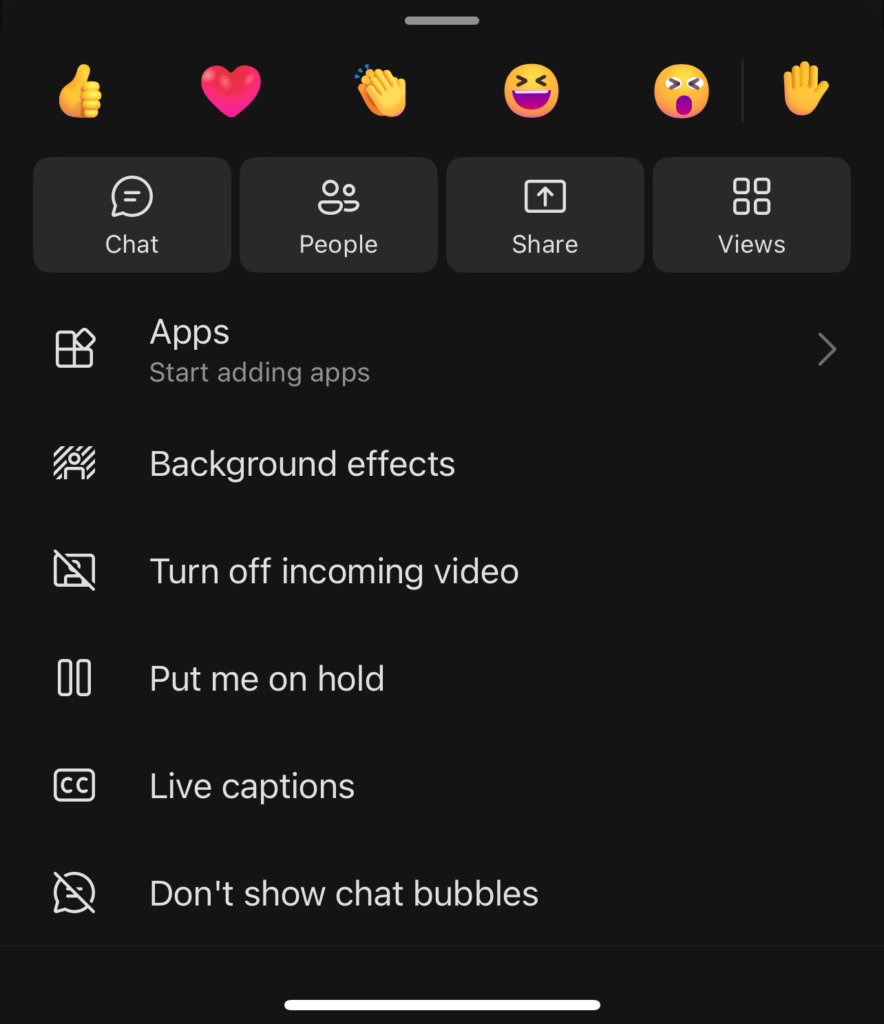
- Open the meeting chat using the “Chat” icon
- Raise your hand using the “Raise” button
- Send reactions like thumbs up using the “React” button
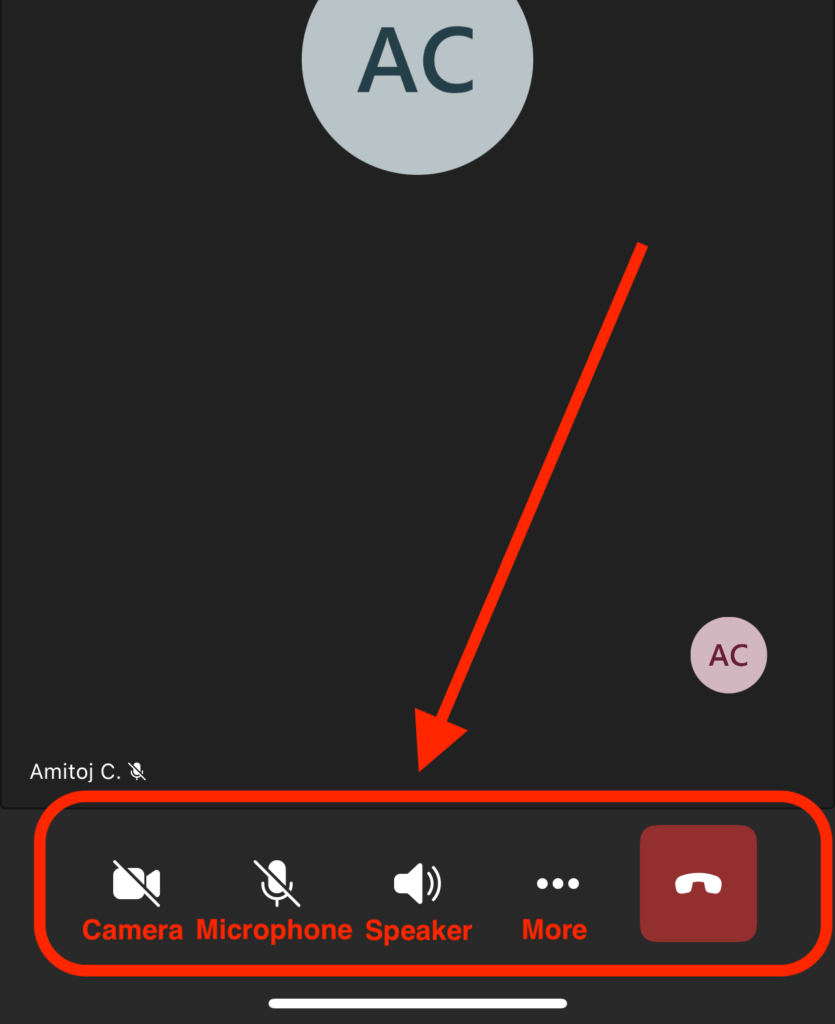
- Turn your camera on/off using the “Camera” button
- Turn your microphone on/off using the “Mic” button
- Share your screen using the “Share” button
- Leave the meeting using the “Leave” button
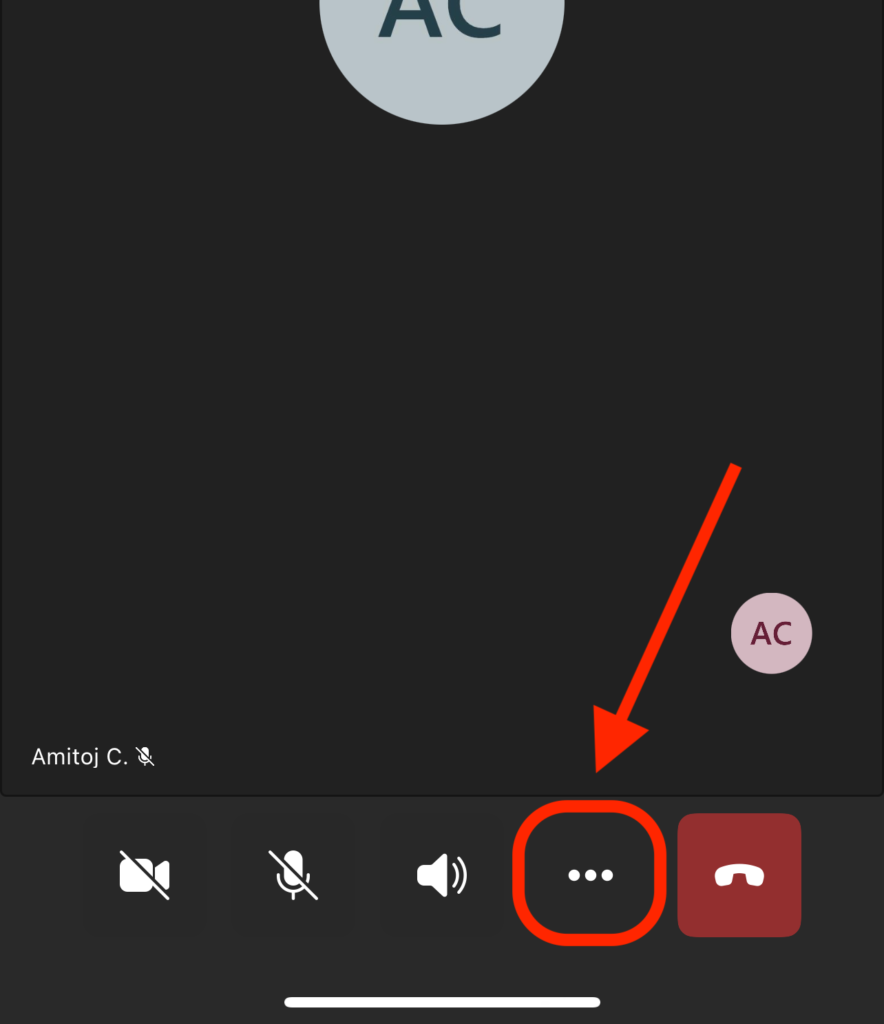
On mobile Microsoft Teams the toolbar can be found at the bottom of the screen:
Reactions, chat and other interactions can be found by clicking the “3 dot” menu on mobile devices